
Last updated: April 10, 2025
In order to sync HubSpot Score to Salesforce, you need to create the field in Salesforce, map it correctly in HubSpot, and allow HubSpot to make updates to the field on the Salesforce-side. Mapping this information to Salesforce is only necessary if you want to run reports or workflow rules off of HubSpot Score. If you simply want to view HubSpot Score in Salesforce, you can accomplish this by adding the HubSpot Intelligence visualforce element to your page layout.
First, create a custom field in Salesforce
- In Salesforce, navigate to Setup > Customize > Leads/Contacts > Fields (if you would like HubSpot Score on both leads and contacts, you will need to create the field on each object)
- Click New in the Lead Custom Fields & Relationships section
- Choose the field type of Number > click Next
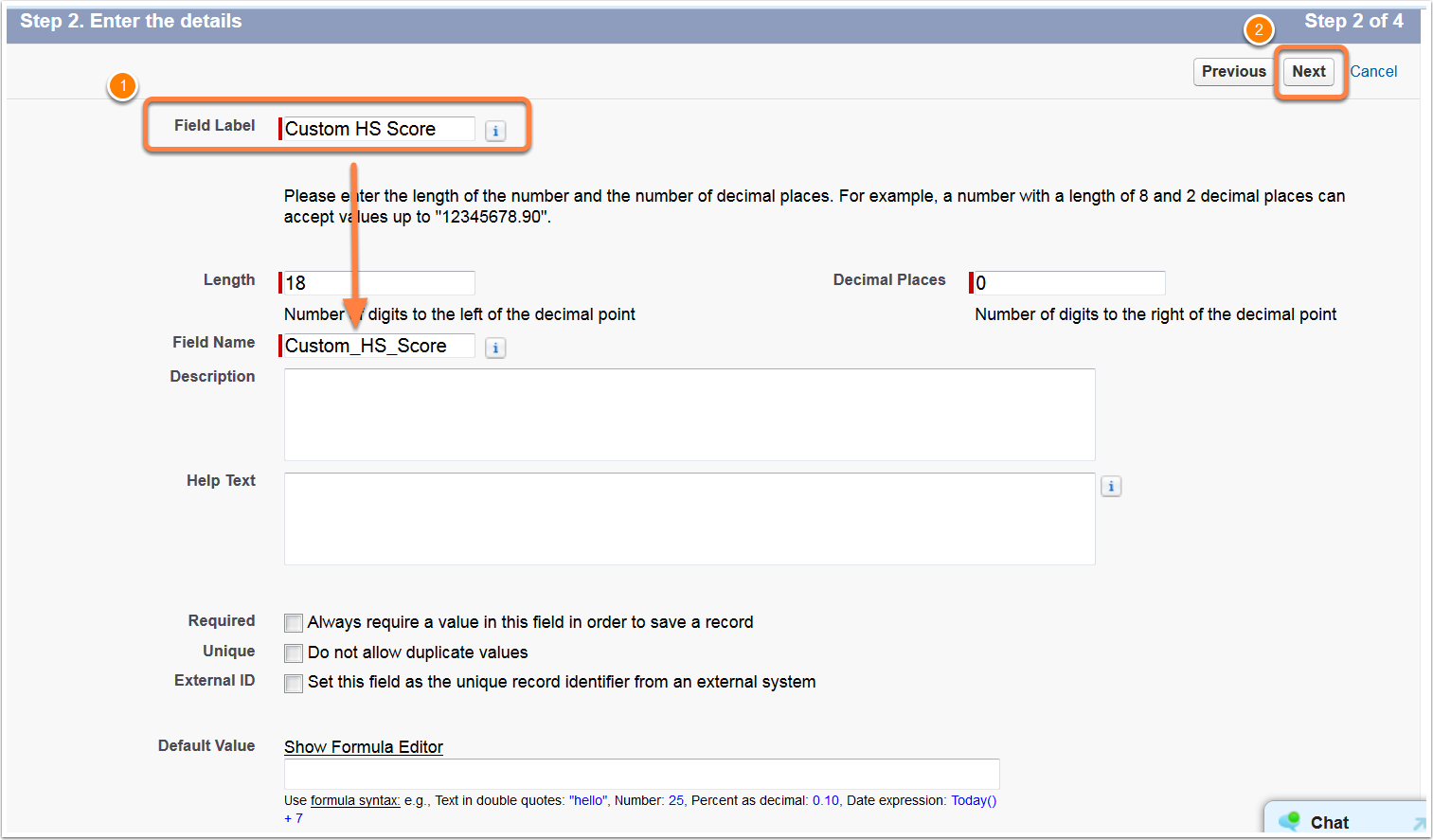
- Enter a field label. if you are creating a field on both Leads and Contacts, be sure they have the same API Field Name
- Do not make any changes to addtional options unless you see a need > click Next
- Choose the Salesforce profiles that can see this field and click Next
- Add the field to your Page Layouts so you can see the mapped data on your records and click Save
- Repeat these instructions on the lead or contact object if you wish to see this field on both objects
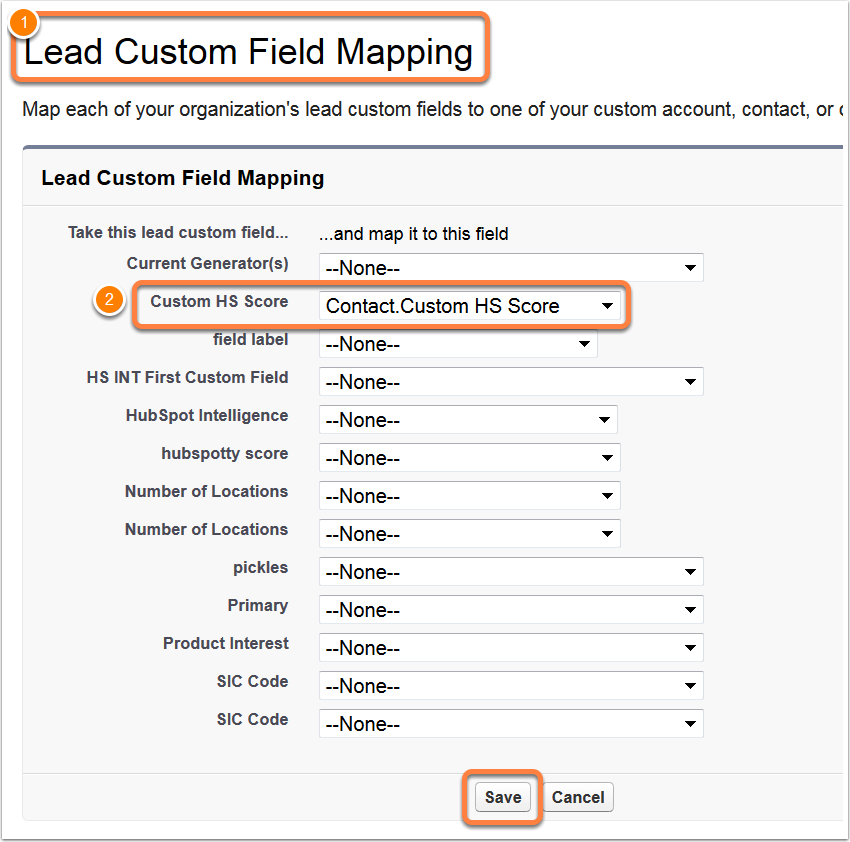
- If your normal workflow involves converting leads to contacts in Salesforce and you want the custom score field value to carry over from the lead record > contact record, be sure to setup a mapping between the two custom fields. Instructions can be found here.
Next, create a new contact field mapping in HubSpot
- In HubSpot, navigate to your Account Menu in the top-right of your HubSpot Portal > choose Integrations from the drop-down.
- Click on Settings in the Salesforce Integration section
- Select Contacts Field Mappings in the left-hand column
- Click Add a new mapping to create a new mapping between the HubSpot Score property and your custom score field you created in Salesforce
- Make sure to set "When should HubSpot data update the corresponding Salesforce field?" to Use most recent value, I want the most recent data from either system to populate that field. This will allow the score to update in Salesforce as it changes in HubSpot.

Once the above setup is complete, the HubSpot Score property will be able to sync to your custom Salesforce field
Related articles: