
Last updated: April 10, 2025
If you've previously created a custom view for filtering your Contacts, Companies or Deals in HubSpot Sales, the instructions below will walk you through how to delete the views you no longer want.
- From your HubSpot Sales account, navigate to Contacts, Companies, or Deals.
- Click the View dropdown menu on the left, then select the name of the view you wish to delete.

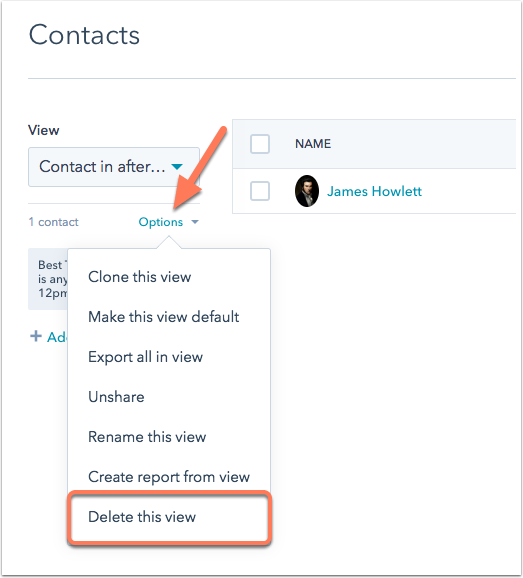
- Once in your view, click Options > Delete this view.
- In the pop-up window that appears, click Delete to confirm.
Please note: You will not be able to delete Standard views, but you will be able to delete your own custom views and shared views from team members.