Last updated: April 10, 2025
As a HubSpot Solutions Partner, understanding how and why you are getting a commission payment is important for your business. Use the partner commission app to review and understand the clients you are getting commission payments on in better detail.
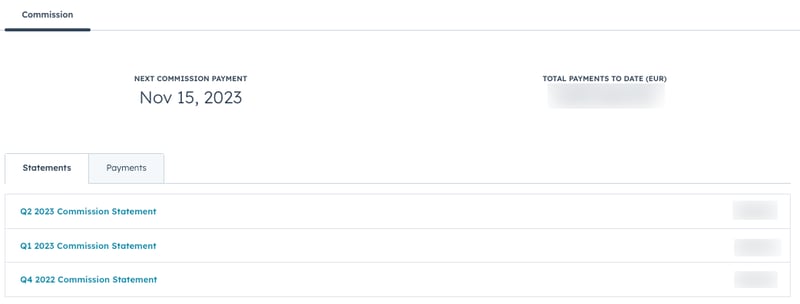
View your commission statements
- In your HubSpot account, navigate to Partner > Commissions.
- Click the Statements tab.
- Click the statement you would like to review.
- To export your statement, click Export > Export to CSV.
- To save the statement as a PDF, click Export > Print/Save as PDF.
View your commission payments
- In your HubSpot account, navigate to Partner > Commissions.
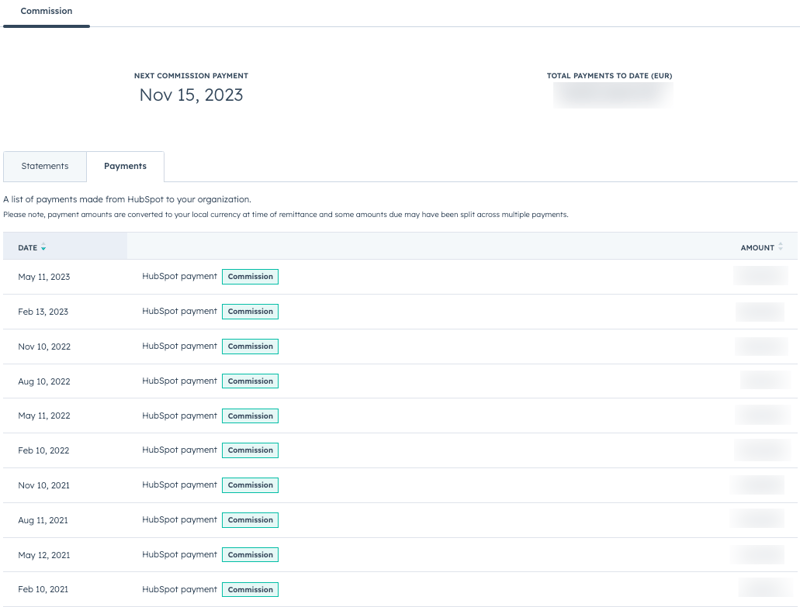
- Click the Payments tab. This tab shows a list of payments that HubSpot has paid to your organization.