
Last updated: April 10, 2025
Smart fields are hidden if a user has already provided information for the field.
- Navigate to Contacts > Forms.
- Select the form you want to edit.
- Click the icon that has two boxes and two arrows - Doing so will make the field smart. Please note that if the icon is already blue, the field was already marked as smart.
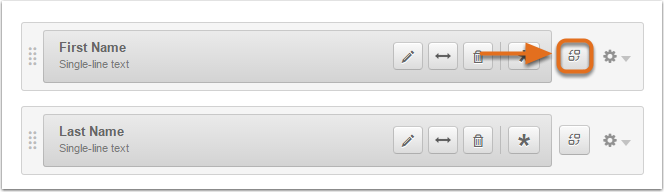
If your form has multiple columns, you must make the entire row of fields smart rather than the individual field itself.
