
Last updated: April 10, 2025
To access your email templates:
- Navigate to Content > Design Manager
- Select a template within any Email folder under the Templates or Coded Files folder

- Make any desired changes or clone your template by clicking on Actions > Clone or Actions > Clone to file
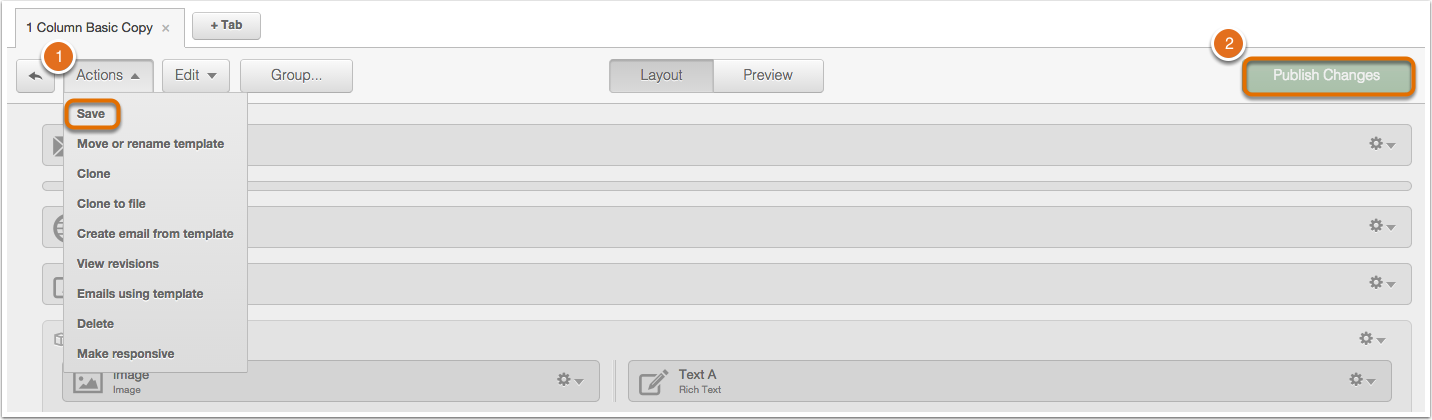
- When finished click Actions > Save and then Publish Changes.
If you are currently editing an email:
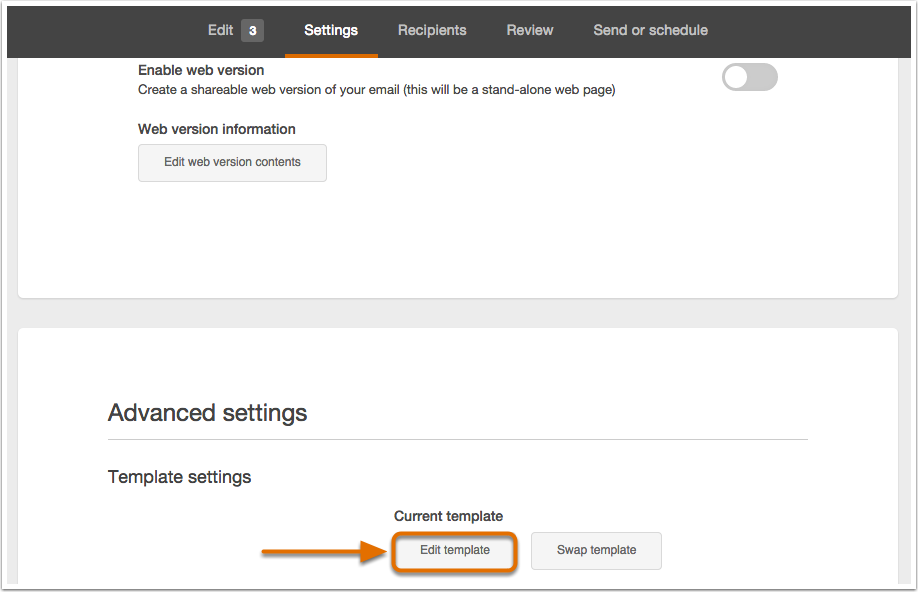
- Navigate to Settings, scroll down on the page, and click on Edit Template.
Related Articles: