
Last updated: April 10, 2025
There are several ways that HubSpot notifies its customers of service disruptions, analytics issues and scheduled maintenance in the HubSpot applications. This guide will help you understand the various types of notifications that we use to communicate these events.
Maintenance alerts
Occasionally, HubSpot needs to perform maintenance on some of its applications to improve performance of the application or add in additional functionality to the back end of the application. Most of the time these updates can be performed without restricting access to the applications, but there are some circumstances where we temporarily need to shut of access to the applications during the maintenance period. In those cases, look for a notification at the top of your HubSpot App pages like in the example below.

Analytics issues dashboard alert
HubSpot's analytics pipeline is built to scale gracefully with surges in website traffic, but occasionally the report building and processing based on the traffic data can fall behind.
Forum Posts
We also start a forum discussion thread for every service disruption to give our customers an easy outlet for asking questions about the disruption.
Service disruptions and temporary outages
HubSpot's status.hubspot.com lets users know the current state and history of how the different components of HubSpot. You can easily monitor any issues within HubSpot's data-centers and stay up to date with issues.
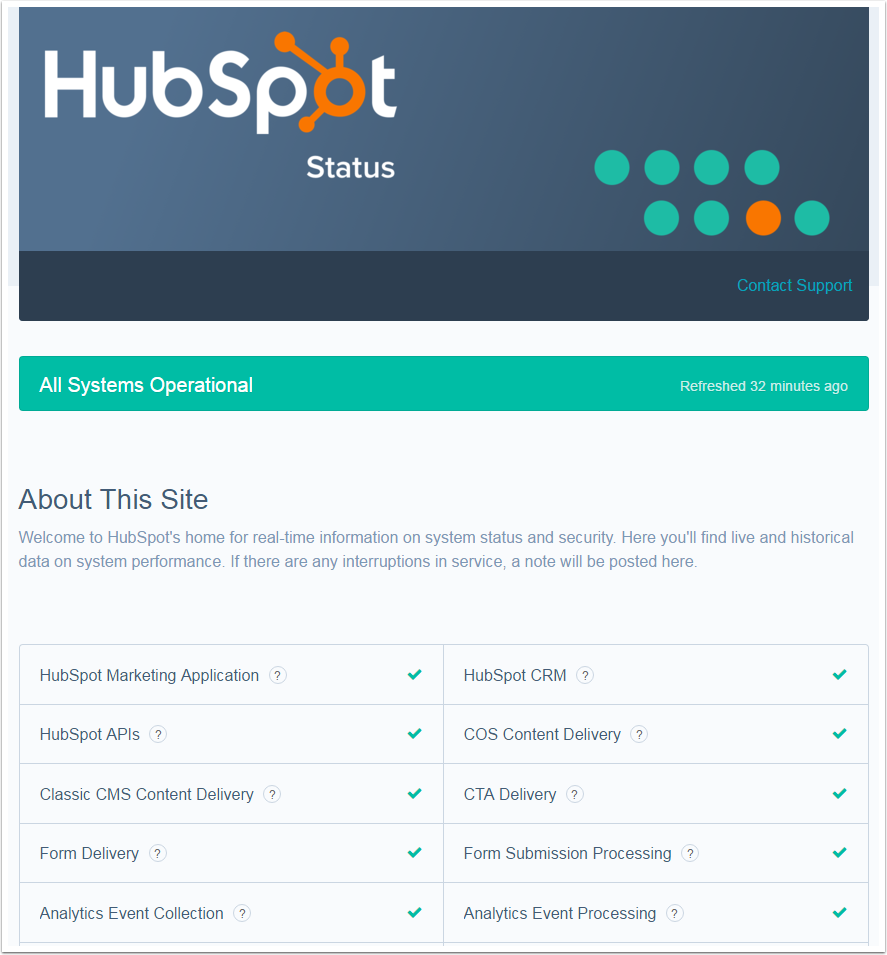
Issue Updates
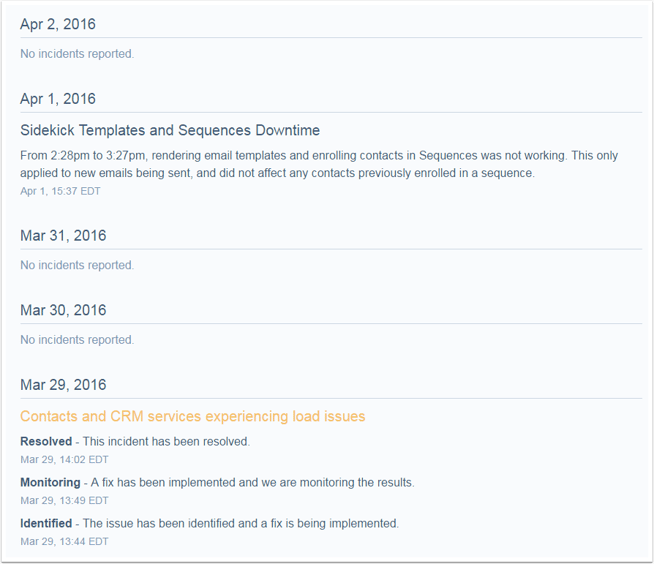
On the main page of the status page, large issues are posted and updated as they change. HubSpot's team keeps them updated with times and details. You can gather a lot of information from these updates.
Web Groups
The way to manage the status of your portal is to monitor its status via Web Groups. Each Hub ID is under a particular Web Group. If you are unsure of which Web Group serves your portal, contact Support.