
Last updated: April 10, 2025
Users are unique by email address, so it is not currently possible to edit an existing user's email address. A new user must be added to your account to change an email address.
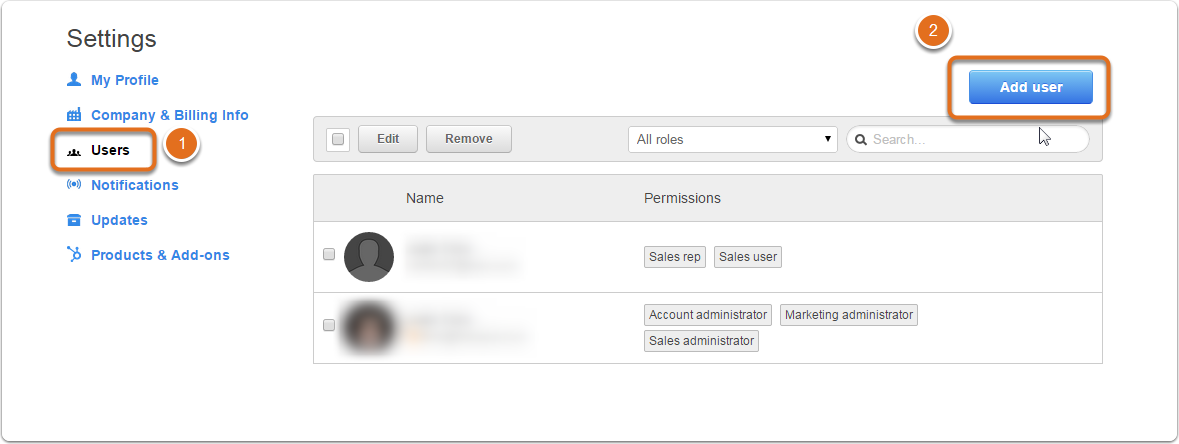
- Navigate to your Account Menu > Settings.
- Select Users > Add User.
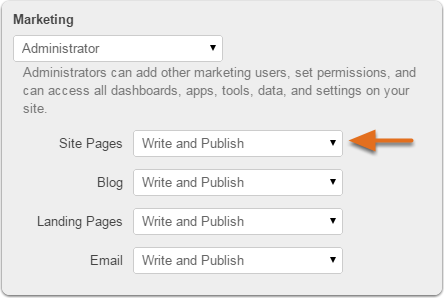
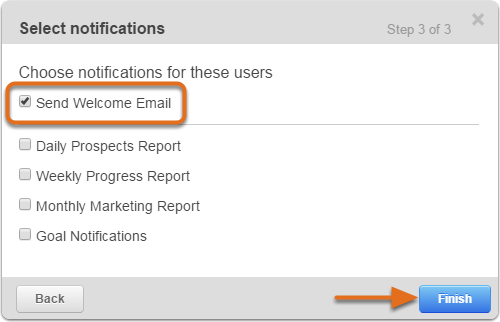
- Check Send Welcome Email > Finish.
- To remove the old user/email address: Mouse-over the user > Click on the trash icon that appears to the right > Click Remove. (Removing a user will not delete any content they have created in your account. Learn more here.)
Related articles: