
Last updated: April 10, 2025
HubSpot Customers (paid account)
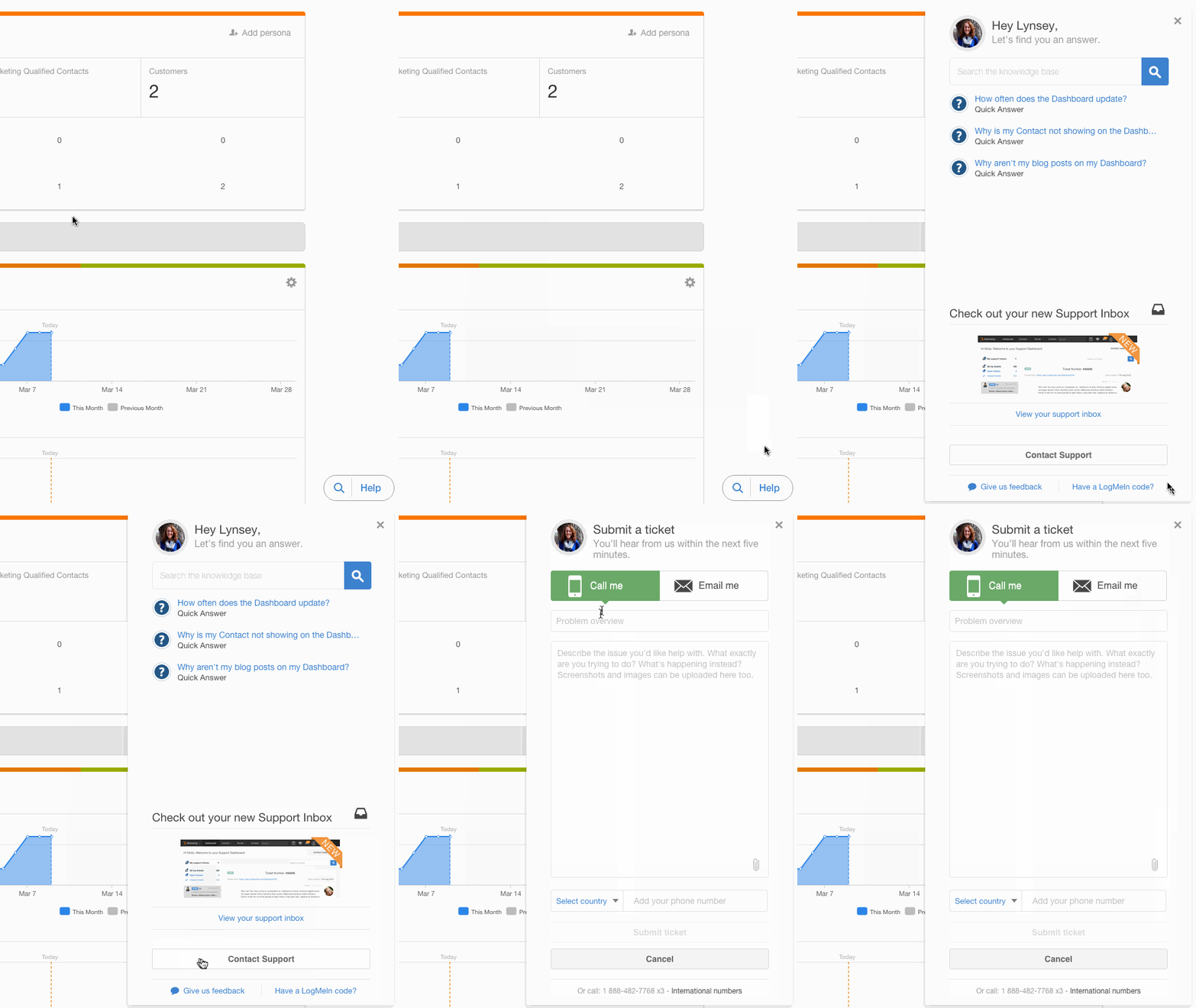
If you wish to cancel your HubSpot account, please reach out to your Customer Success Manager (CSM) or contact HubSpot Support if you do not know who your CSM is. To contact Support, please click the Help button in the bottom-right corner of the screen and choose Contact Support.
HubSpot Trial Users (free)
Your free trial will automatically expire after 30 days. If you would like to deactivate your trial before that date, please reach out to HubSpot Support by navigating to http://help.hubspot.com/ to choose a contact option.
Related articles: